Meta Tags Tools
Meta Tags Analyzer
Check the SEO meta tags in a piece of HTML: title, description, canonical, robots, viewport, language, headings, Open Graph, Twitter and structured data. It lists what it found and separate things to look at. It shows counts, not a score.
How to use it
- View the source of your page and copy it (or just the <head>).
- Paste it and press Analyse.
- Read what was found and the things to look at.
Example
A page with no description shows "none found" and a note that Google may write its own snippet.
Reading the report
The report lists what was found: title, description, canonical, robots, viewport, language, headings, Open Graph, Twitter and structured data, with counts rather than a score. Look first at the things that change how a page is treated: a robots meta tag containing noindex, a canonical pointing elsewhere, or no title at all. Then look at presentation: a title or description that is very long, very short or the same as another page on your site.
Common mistakes
- Pasting only the visible text of the page instead of the HTML source. Use View source in your browser and copy that.
- Pasting the page as your browser shows it after scripts run, when search engines may see something different.
- More than one h1 or two canonical tags, often caused by a theme and a plugin both adding them.
It analyses pasted HTML only, so it cannot say how the live page responds to crawlers. To check a published URL, use the website SEO score checker.
Questions
Can it check a live URL?
This version reads pasted HTML. For a live address use the Open Graph Checker, which fetches the page for you.
Why no score?
Meta tags are not a ranking formula, so a number would be misleading. You get facts and notes instead.
Guides that go with this tool
 Digital Marketing
On-Page SEO Checklist: 13 Checks for Every Page
Use this on-page SEO checklist to improve titles, descriptions, headings, content, images and links on every page, based on Google's own guidance.
 Wordpress
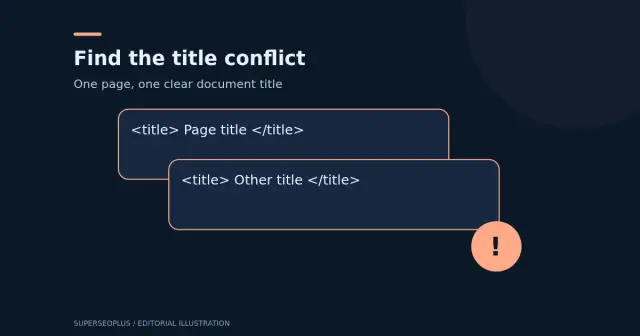
Duplicate Title Tags in WordPress: Identify Which Problem You Have
Duplicate title tags in WordPress? Check for two title elements, repeated branding or identical titles, then verify the right repair.
Get practical SEO tips by email
Occasional emails with new guides and tools. Confirm by email first; unsubscribe in one click.