Website Management Tools
PageSpeed Insights Checker
Enter a page address and Google tests it for you: scores for performance, accessibility, best practices and SEO, the key speed metrics, real-visitor data where Google has it, and a list of what to fix first. The test is run by Google's own PageSpeed Insights service, so the numbers are Google's, not estimates. It runs from your browser with your own free API key.

How to use it
- Get a free Google API key once (a short guide is on the page) and paste it in. It stays in your browser.
- Enter the page address and choose Mobile or Desktop, then press Test page speed.
- Wait 15 to 40 seconds, then read the scores, the metrics and the opportunities, starting with the biggest savings.
Example
A page scoring 62 for performance on mobile might show Largest Contentful Paint as the weak metric, with "Properly size images" and "Reduce unused JavaScript" as the biggest opportunities to work on first.
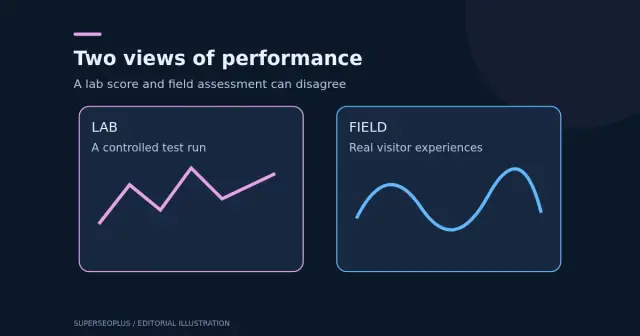
Tests run from Google's servers, so they may differ from what your visitors see on their own devices and networks.
How this test works
You enter your own free Google API key, and the test is run by Google’s PageSpeed Insights, so the address you test and your key are sent to Google. The result includes lab scores, key speed metrics and, when available, real-visitor data. Keep your key private and restrict it in your Google account.
Reading the results
- The overall score is a lab measurement on a simulated device, so it varies between runs.
- Real-visitor data, when shown, reflects what actual users experienced and matters more than a single lab score.
- Fix the largest opportunities first and test again.
Questions
Why do I need an API key?
Google lets anyone call the service without a key, but those requests share one daily quota that is normally used up, so they usually fail. A free key gives you your own quota, about 25,000 tests a day. Creating one takes a couple of minutes and costs nothing.
Is my key safe?
The key is sent only to Google, straight from your browser. SuperSEOPlus never sees it. You can keep it in this browser tab only, and you can restrict it to the PageSpeed Insights API in Google Cloud for extra safety.
Why does the score change between tests?
Lab tests run one simulated page load on Google's servers, so results vary a little each time because of network and server conditions. Run it a few times and look at the pattern.
What is the difference between lab and real-user data?
Lab data is one controlled test. Real-user data (the Chrome User Experience Report) shows how actual Chrome visitors experienced the page over the last 28 days, but exists only for pages with enough traffic.
Do these scores affect rankings?
Page experience, including Core Web Vitals, is a ranking signal in Google Search, but a minor one and only one of many. A Lighthouse score is a guide to usability and speed, not a ranking number.
Is anything estimated here?
No. Scores, metrics and opportunities come straight from Google's Lighthouse result. This tool only displays them.
Get practical SEO tips by email
Occasional emails with new guides and tools. Confirm by email first; unsubscribe in one click.