Text Analysis Tools
AI Prompt Generator
Good prompts say who the AI should be, what to do, for whom, within which limits and in what format. This tool asks for those things and arranges them into a clear prompt for ChatGPT, Claude, Gemini or any assistant. It works from fixed templates in your browser, so it needs no account, uses no AI service and sends nothing anywhere.
How to use it
- Choose your AI platform and, if one fits, a template such as SEO, blog writing, coding or image generation.
- Describe the task and add what you know: the audience, tone, language, output format, background and any constraints. Only the task is required.
- Press Generate prompt, edit the result if you like, then copy it or download it and paste it into your AI assistant. Use Regenerate for an alternative wording.
Example
Task: create a content brief for a page about choosing a standing desk. Audience: first-time buyers. Format: Markdown. The tool returns a prompt with a role, the task, context, audience, constraints, the required structure, quality expectations and what to do when the AI is unsure.
A prompt is a starting point. Read the answer critically, and never put passwords, private data or confidential information into any AI service.
Questions
Does this tool use AI?
No. It builds the prompt with fixed templates and rules that run in your browser. It does not call ChatGPT, Claude, Gemini or any other model, and the same inputs always give the same prompt. The prompt is what you then give to an AI assistant.
What does the AI platform setting change?
Only the layout. ChatGPT uses Markdown headings, Claude uses tagged sections, Gemini uses bold labels and General AI uses plain labelled blocks. The content is the same, and no setting guarantees a better answer.
What is the difference between Basic, Detailed and Advanced?
Basic is a short paragraph. Detailed adds separate sections for role, task, context, audience, constraints, output format and quality. Advanced adds a working method, a self-check step and a place to paste examples.
What does Regenerate do?
It gives an alternative wording and phrasing of the same prompt, cycling through three variants. It does not add new information, and no AI is involved.
Why does the prompt tell the AI to say when it is unsure?
AI assistants can state wrong things confidently. Asking them to flag uncertainty, state assumptions and avoid inventing sources makes mistakes easier to spot. You should still check important facts yourself.
Can it write image prompts?
Yes. The Image generation template builds a prompt with a subject, details, style, mood and things to avoid. Image tools differ in syntax, so adjust the result for yours. Claude does not generate images, so use that prompt with an image tool.
Is my text stored?
No. Everything stays in your browser tab. Nothing is saved or uploaded, and closing the tab discards it.
Guides that go with this tool
 AI Tools
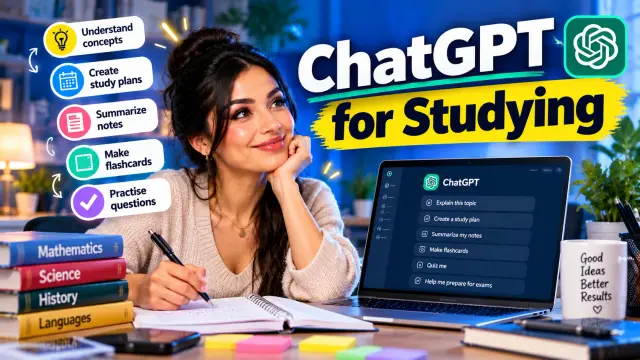
How to Use ChatGPT for Studying: A Practical Guide With 25 Prompts
Learn how to use ChatGPT for studying the right way: explanations, flashcards, quizzes, study plans and 25 copy-paste prompts, plus the limits to watch for.
 AI Tools
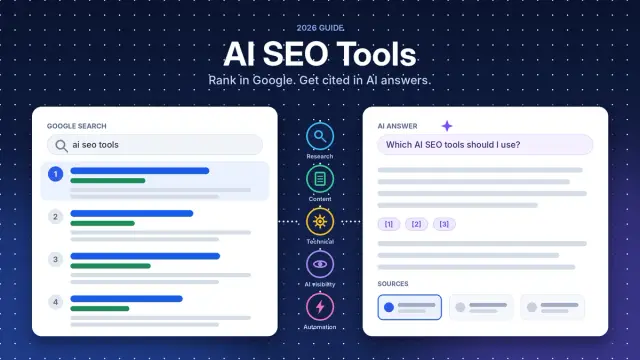
Best AI SEO Tools in 2026: 15 Tools Compared for SEO, Content and AI Search
Compare 15 AI SEO tools for keyword research, content, technical SEO and AI search visibility, with free plans, October 2026 pricing and who each tool suits.
 Affiliate Marketing
15 Best AI Tools for Content Creators in 2026: Create Better Content Faster
Discover 15 of the best AI tools for content creators in 2026 for writing, video, images, SEO, research and social media content.
 AI Tools for Marketing
AI Content Creation Tools for Social Media: Essential guide
AI content creation tools for social media explained: what each type does, how to choose, and a practical workflow featuring PostSnag and ViralSky AI.
Get practical SEO tips by email
Occasional emails with new guides and tools. Confirm by email first; unsubscribe in one click.