Core Web Vitals Failed With a Good PageSpeed Score: What to Trust
Core Web Vitals failed while PageSpeed shows a good score? Compare field and lab data, URL and origin scope, then verify the repair properly.
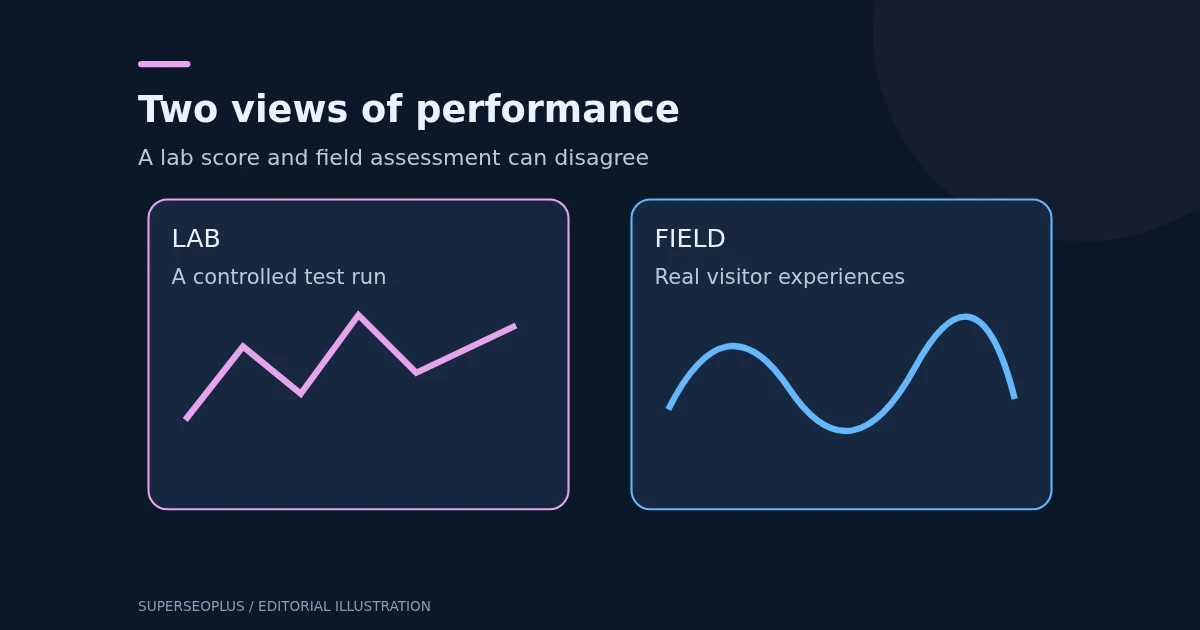
Table of Contents
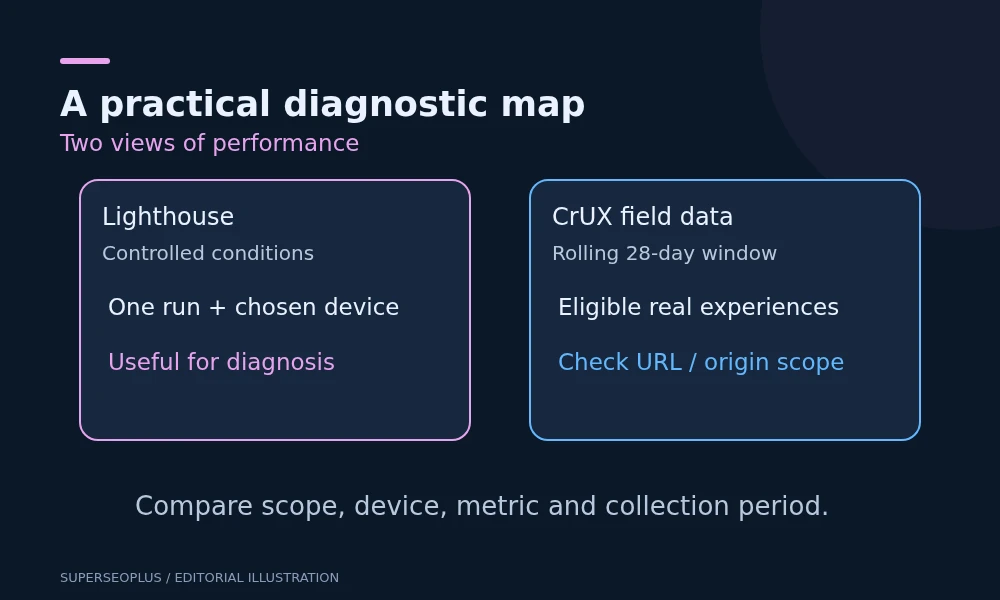
When Core Web Vitals failed but PageSpeed shows a good performance score, the two results are usually using different evidence. The performance score comes from a controlled Lighthouse test. The Core Web Vitals assessment uses real-user field measurements when sufficient data is available. Check the data source, URL scope, device and collection period before deciding what needs repair.
The reverse can happen too: a page may pass the field assessment while a single lab run is slow. Neither result makes the other meaningless.
Read the two sections separately
In PageSpeed Insights, find the real-user experience section and the diagnostic performance section. Save the tested address, mobile or desktop selection, test date and whether field data describes the URL or the origin.
Google’s guide to CrUX data in PageSpeed Insights explains how field data and Lighthouse appear in the same report. They are related tools, rather than two interchangeable scores for the same test.
A useful review note reads: “Mobile origin field data fails INP; this URL’s current Lighthouse run scores 95.” That is much clearer than “Google says the site is both fast and slow”.
Check what the field result actually covers
Look for the URL/origin scope shown in the report. If the tool falls back to origin data and Core Web Vitals failed there, the assessment summarises eligible experiences across that origin rather than proving the individual tested page passes or fails.
Also check the collection period. PageSpeed’s CrUX field view uses a rolling 28-day period. A repair made yesterday does not remove older experiences from that window immediately.
If insufficient field data is available, do not interpret the absence as a pass or a failure. Use lab diagnostics and, where appropriate, properly implemented real-user monitoring to investigate performance without inventing a field verdict.
Identify which metric made Core Web Vitals fail
The current Core Web Vitals are:
- LCP: loading performance, with a good threshold of 2.5 seconds or less.
- INP: interaction responsiveness, with a good threshold of 200 milliseconds or less.
- CLS: visual stability, with a good threshold of 0.1 or less.
Google’s Web Vitals guidance assesses these at the 75th percentile, with mobile and desktop considered separately. This does not mean “75 percent of the pages on the website”. It concerns the distribution of measured experiences.
Do not use older FID-based advice as the current three-metric checklist. Also distinguish other useful timings, such as FCP or TTFB, from the metrics that determine the Core Web Vitals assessment.
Work through a hypothetical result
Illustrative numbers, not a measurement of SuperSEOPlus: a mobile Lighthouse run scores 96. Field data for the URL reports LCP of 2.1 seconds, INP of 280 milliseconds and CLS of 0.04 at the relevant percentile.
In this example, Core Web Vitals failed because of interaction responsiveness alone. The loading and stability figures are within the good thresholds, but the interaction figure is not. Compressing the hero image again may improve loading without addressing the metric that fails. The next task is to investigate slow interactions and main-thread work.
If Core Web Vitals failed at origin level instead of for the single URL, the conclusion changes: you need to find which templates and interactions contribute to the origin-wide pattern. Do not claim the one tested article is responsible.
Use lab testing to explain, not erase, field evidence
A lab run uses a particular device simulation, network profile and page state. Real visitors have different devices, networks, locations, cache states and interactions. Google’s explanation of lab and field differences describes why the resulting measurements can disagree.
Repeat a small number of comparable runs and inspect the underlying timings, not just the overall score. Change one condition at a time when investigating. A test run before and after opening a menu is not necessarily measuring the same work.
A normal navigation-only Lighthouse test also does not reproduce every real interaction. For responsiveness problems, use browser performance tools to reproduce the actual menu, form, filter or checkout action that feels slow.
Match the next investigation to the symptom
Once you know why Core Web Vitals failed, choose the investigation that fits the symptom.
Loading is slow
Identify the element responsible for LCP and when it becomes available. Investigate the request path, server response and resource discovery before assuming image filesize is the sole cause. A small image can still arrive late.
Interactions respond slowly
Reproduce the affected action on a representative device. Record the browser performance trace and ask the developer which work blocks the response. Avoid removing essential scripts based only on a generic “unused code” warning.
The page moves while people use it
Look for content inserted after initial rendering, images without reserved space and components that expand unexpectedly. Test actual visitor journeys as well as the initial page load. Do not redesign a stable area simply because another template shifts.
Verify a repair in two stages
First confirm the immediate behaviour. Repeat the same diagnostic test, reproduce the affected interaction and check that the page still works. Keep the change date, device and evidence.
Then monitor field measurements as newer experiences enter the collection window, to see whether the assessment that said Core Web Vitals failed starts to change. Compare like with like: the same scope and device, and a period that reflects the repair. An instant improvement in a lab score is encouraging evidence about that run, rather than proof that the rolling field assessment has already changed.
For shared WordPress components, check more than the homepage. A service page, article and contact form may have different layouts and scripts. Passing one tested template does not certify every visitor journey.
The on-page SEO checklist includes mobile experience alongside content and navigation, helping keep performance work connected to the visitor’s actual task.
Common questions
Will a score of 100 guarantee better rankings?
No. Performance work should improve real visitor experience. A numerical score does not guarantee ranking gains or compensate for irrelevant content.
Is it a mistake when Core Web Vitals failed but Lighthouse passes?
Not necessarily. Lighthouse describes one controlled run, while the assessment describes real visits over time, so a pass in one and a fail in the other is a prompt to investigate rather than evidence of a broken tool.
Should I ignore a poor lab run when field data passes?
No. It can reveal a regression or difficult loading condition. Investigate it in context rather than declaring that the real-user result is wrong.
Should I wait 28 days before checking anything?
No. Check functionality and diagnostics immediately after a repair. Use field data for the later assessment of real experiences over time.
Use our SEO audit checklist to connect performance findings with broader site health. A technical SEO review is more useful when accompanied by scope, metric and test evidence than by a screenshot of the score alone.